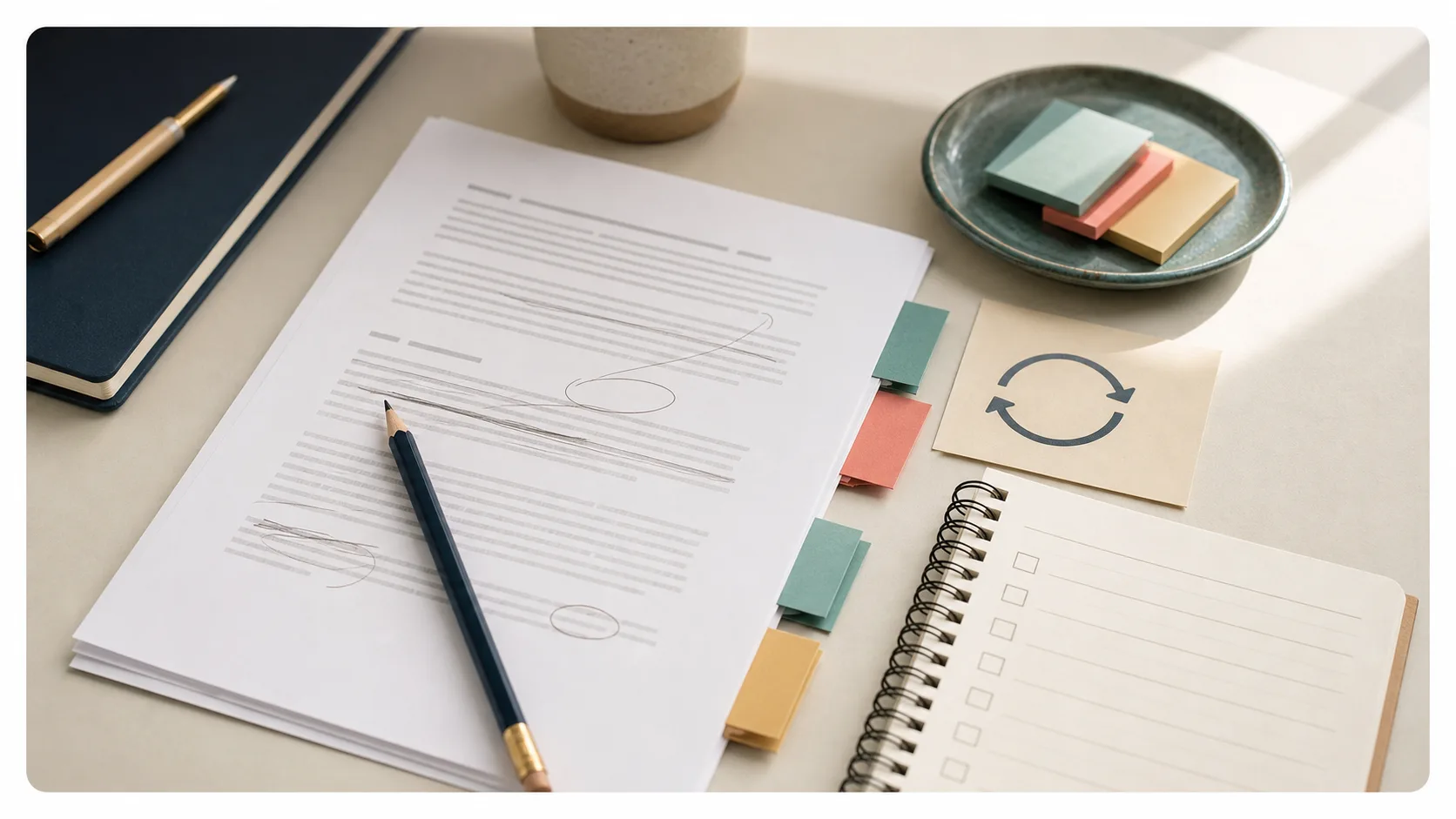
You do not have to rewrite an article every time it gets stale. Most useful refreshes are smaller than that: clarify the answer, replace weak examples, add missing links, remove outdated advice, and make the next step easier to see.
The mistake is treating every refresh as either cosmetic or total. Cosmetic updates do almost nothing. Total rewrites take so long that small teams avoid them. The useful middle is a focused refresh.
Refresh the right article first
Start with articles that still matter.
Good candidates usually have one of these signs:
- The article used to get traffic, shares, or sales-team use, but has gone quiet.
- The topic is still relevant, but the examples, screenshots, tools, or dates feel old.
- The page gets impressions or occasional clicks, but readers do not appear to continue.
- A newer article on your site should link to it, but does not.
- The article answers a customer question you still hear.
If you are not sure whether a page is worth updating, run it through the Article Refresh Scorecard before you start editing. The scorecard is faster than debating the whole archive in your head.
Skip articles that no longer fit the business, no longer serve the audience, or were weak from the beginning. Some pages should be merged, redirected, or left alone. Refreshing is not a rescue plan for content that should not exist.
Read the page like a first-time visitor
Before opening analytics, read the article from the top.
Ask five questions:
- Does the title still name the problem clearly?
- Is the direct answer visible near the top?
- Are the examples still believable?
- Can the reader tell what to do next?
- Does the article link to the best related pages on your site?
This is not an SEO trick. It is basic maintenance. Google’s advice on creating helpful, reliable, people-first content is a useful reminder here: the page should satisfy the reader first. If the article is vague, outdated, or padded, changing the date will not fix the problem.
Decide what kind of refresh it needs
Not every article needs the same kind of update. Choose the smallest refresh that solves the real problem.
| Problem | Refresh type | What to change |
|---|---|---|
| The intro wanders | Clarity refresh | Rewrite the first 100 words around the direct answer |
| The advice is still right but thin | Usefulness refresh | Add examples, a checklist, or a short decision table |
| The article is isolated | Visibility refresh | Add internal links in and out |
| The topic has changed | Accuracy refresh | Remove stale claims and update examples, tools, dates, or screenshots |
| The page overlaps another article | Consolidation refresh | Merge the strongest sections and redirect or retire the weaker page |
This table keeps the update from turning into a full rewrite by default.
Fix the first 100 words
The introduction is usually the highest-leverage part of the refresh. Many older articles spend too long explaining why the topic matters before answering the reader.
Replace that with a direct answer.
Weak version:
Content refreshes are an important part of a modern marketing strategy because the digital landscape changes quickly and businesses need to stay competitive.
Better version:
You should refresh an article when it is still useful but no longer clear, current, or well connected to the rest of your site. Start with the answer, examples, internal links, and next step before you consider a full rewrite.
The better version gives the reader something immediately. It also makes the page easier to quote, summarize, and reuse.
Add one concrete example
Most stale articles are not missing more opinion. They are missing proof that the advice still applies.
Add one example that shows the advice in context:
- A before-and-after title.
- A weak intro and a stronger intro.
- A short table comparing update options.
- A simple screenshot if it clarifies the task.
- A customer question the article now answers better.
Keep the example tight. Readers scan web pages, especially when they are deciding whether a page is worth their time. Nielsen Norman Group’s guidance on writing for scanning is old-fashioned in the best way: headings, short paragraphs, topic sentences, and useful formatting help people find what they came for.
Repair the internal links
A refresh is a good time to fix the article’s place in the site.
Do both directions:
- Add links from this article to newer, related pages.
- Add links from strong existing pages back into this article.
The second move is the one small teams miss. If an older article has become useful again, it needs a path back into circulation. Link to it from a relevant article, template, homepage module, or the Adviser Path. The practical version is in the small-team guide to internal linking.
The Content Visibility Checklist uses this as a required check because an article with no useful links around it is easy for readers to miss and easy for the team to forget.
Remove what no longer helps
Refreshing is not only adding. Sometimes the update is subtraction.
Remove:
- Dates that make the article feel stale without adding meaning.
- Tool references you no longer recommend.
- Long setup paragraphs before the answer.
- Screenshots that no longer match the product or process.
- Internal links that now point to weaker pages.
- Advice that was written for a different audience than the one you serve now.
Small teams often leave old material in place because deleting feels risky. But stale sections make the useful parts harder to trust.
Update the next step
Every refreshed article should end with a clear next action.
Not a generic call to action. A useful next action.
Examples:
- Run this checklist on one article today.
- Add one internal link from a high-traffic page.
- Save the strongest paragraph as a reusable sales snippet.
- Schedule a 90-day review.
- Use the article as the source for one newsletter and one social post.
If the article is worth refreshing, it is worth giving the reader a next move.
Decide whether to republish
Do not republish only because you changed a typo or swapped a sentence. That is maintenance.
Republishing makes more sense when the article is meaningfully better: the answer is clearer, sections have changed, examples are current, links have improved, and the page now solves the reader’s problem better than it did before. Ahrefs makes the same practical distinction in its guide to updating posts instead of just changing dates: the update needs to improve the content, not just make it look recent.
When you do republish, note the updated date if your template supports it. Then treat the article like something worth sharing again. A refresh without redistribution is only half the job.
A one-hour refresh workflow
Here is the practical version.
- Pick one article that still matters.
- Read it from the top like a new visitor.
- Rewrite the first 100 words around the direct answer.
- Replace or add one concrete example.
- Add two links out to better related pages.
- Add one link in from an older relevant page.
- Remove one stale section, paragraph, screenshot, or claim.
- Add a clear next step.
- Update the date only if the article is meaningfully improved.
- Share or reuse the refreshed article once.
That is enough for one sitting. If the article needs more than that, split the work into a refresh and a later rewrite.
Refresh an article without rewriting it
- Choose an article that still matters to the audience or business
- Check whether the title still names the reader's problem
- Put the direct answer in the first 100 words
- Add or replace one concrete example
- Add useful internal links out to newer related pages
- Add one link in from a relevant existing page
- Remove outdated advice, screenshots, dates, or filler
- End with a clear next action
- Republish only if the article is meaningfully better
- Share or reuse the refreshed article once
When a refresh is not enough
Sometimes the article does need a full rewrite.
Rewrite when the search intent has changed, the article targets the wrong reader, the structure fights the answer, or the page overlaps heavily with another stronger article. In those cases, a refresh can make the page cleaner, but it will not fix the underlying problem.
For everything else, start smaller. A focused refresh can make an article clearer, more useful, and easier to find without asking a small team to rebuild the whole page from scratch.
Once the article is improved, give it somewhere to go. The next step is often to turn the refreshed article into a month of useful marketing assets so the work does not stop at the update.