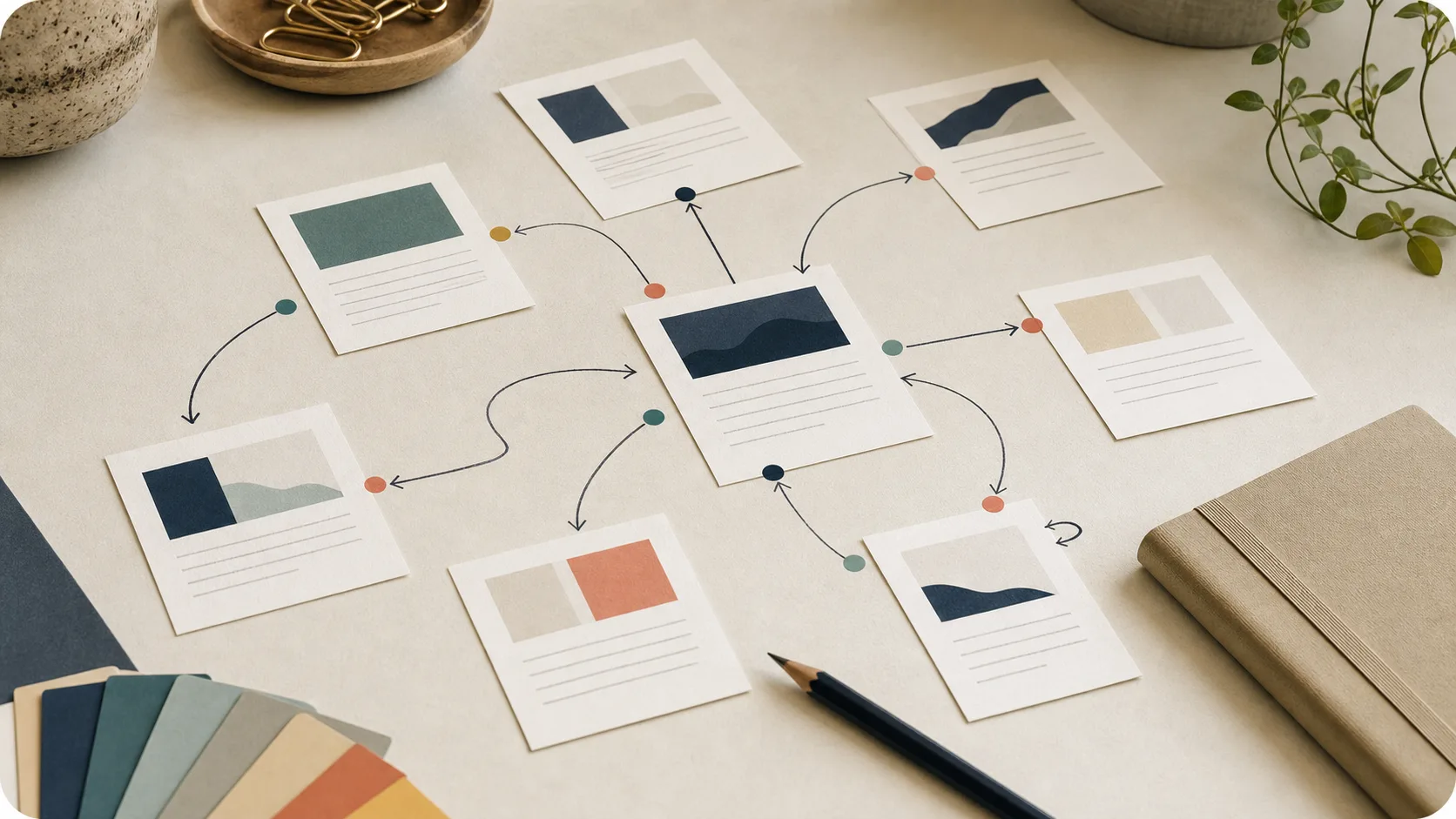
Internal linking is not a technical SEO chore. It is how you show readers where to go next and keep useful pages from disappearing inside your own site.
For a small team, the job is simple: every important article should link to a few related pages, and a few relevant existing pages should link back to it. That is enough to turn a loose pile of posts into a connected library.
What internal links are supposed to do
An internal link points from one page on your site to another page on your site. Navigation links count, but the links that usually matter most are the ones inside the article body, where the reader is already thinking about the topic.
Internal links do three useful things:
- They help readers continue from one useful page to the next.
- They help search engines discover pages that might otherwise sit alone.
- They give context about what the linked page is about.
Google’s link guidance is clear that good anchor text is descriptive, concise, and relevant. That standard is enough for most small teams. You do not need a complicated link formula. You need links that help a reader understand why the next page is worth opening.
Start with the reader path
Do not begin by asking, “How many links should this article have?”
Begin with a better question: “What would a satisfied reader want next?”
For example:
- After an article about why content is not getting seen, a reader may want a checklist.
- After a checklist, they may need a refresh workflow.
- After a refresh workflow, they may need a scorecard to decide what kind of update the page needs.
- After a repurposing guide, they may need a planner or worksheet.
That is the reader path. Internal links should make that path easy.
Use natural anchor text
Anchor text is the clickable text in the link. It should tell the reader what they will get if they click.
Weak anchors:
- click here
- read more
- this post
- our guide
- learn more
Better anchors:
- run the Content Visibility Checklist
- decide whether the article needs a refresh
- turn one blog post into useful marketing assets
- repair the article’s internal links
- review the first 48 hours after publishing
Good anchors do not have to be long. They just have to be specific.
The same principle helps accessibility and scanning. People notice links while moving through a page, so the link text should carry meaning on its own. Nielsen Norman Group’s guidance on link text and scanning behavior is useful here: the link itself should help the reader understand the destination, not force them to inspect the surrounding sentence.
Add links in two directions
Most teams only link out from the new article. That is half the job.
Every time you publish or refresh an article, do both:
- Add links from the article to related pages.
- Add links from existing pages back to the article.
The second step is where visibility compounds. Your older pages already have history, readers, links, or search impressions. If none of them point to the new or refreshed article, that article has to do too much work alone.
This is why the Content Visibility Checklist includes both internal links out and at least one internal link in. The link in is often the difference between “published” and “findable.”
A simple internal linking workflow
Use this every time you publish or refresh an article.
1. Pick the main page this article should support
Every article should support something larger: a guide, a template, a service page, a category, or a stronger article.
Ask:
- What is the next best page for a reader who finds this useful?
- What page do we want more people to discover?
- What page explains the next step better than this article can?
Add one natural link to that page.
2. Link to two or three supporting pages
Look for pages that answer adjacent questions.
If the article is about refreshing content, supporting links might point to:
- a checklist for visibility checks
- a scorecard for deciding what kind of update is needed
- a guide to repurposing the article after the refresh
Two or three good links are better than eight forced links.
3. Find one existing page that should link back
Search your own site for related language. You can use your CMS search, browser search, or a search engine query like:
site:yourdomain.com "content refresh"
Open a page that already mentions the idea. Add one contextual sentence that points to the new or refreshed article.
The sentence should make sense even if the link were removed. That usually keeps the anchor natural.
4. Check the anchor text
Before publishing, read the sentence out loud.
Bad:
To learn more, click here.
Better:
If the article is still useful but stale, start with a focused article refresh before rewriting the whole page.
The better version gives the reader context before they click.
5. Recheck links during refreshes
Internal links drift. Newer articles appear. Old pages become weaker. Templates move from “coming soon” to published.
When you refresh an article, ask:
- Are there newer pages this article should link to?
- Are any links pointing to outdated or weaker pages?
- Does a stronger page now deserve the link?
- Is there a page that should link back to this refreshed article?
The Article Refresh Scorecard helps catch this because it treats links as part of article maintenance, not an afterthought.
What not to do
Do not stuff a paragraph with links. A reader should be able to finish the sentence without feeling pulled in five directions.
Do not use the same exact anchor every time. Natural anchors vary because sentences vary.
Do not link every mention of a phrase. Link the moment where the reader has a real reason to continue.
Do not rely only on navigation, category pages, or footer links. Those are useful, but they do not replace contextual links inside useful articles.
Do not add links only for search engines. If the link does not help a human reader, it probably does not belong.
The small-team standard
For every important article, aim for this:
- Three useful links out to related pages.
- One useful link in from an existing page.
- Descriptive anchor text that names the destination.
- One link to a template, checklist, or next action when it helps the reader act.
- A link review every time the article is refreshed.
That is enough. You can build a more advanced internal linking system later. First, make sure your best pages are not sitting alone.
Internal linking checklist for small teams
- Choose the main page this article should support
- Add two or three links to related useful pages
- Find one existing page that should link back
- Use anchor text that describes the destination
- Avoid click here, read more, and vague link text
- Do not link every mention of a phrase
- Check old links when refreshing an article
- Add a link to a template or next action when it helps the reader act
Internal links are not glamorous. They are small editorial decisions repeated over time.
That is why they work for small teams. You do not need a campaign, a tool stack, or a new content sprint. You need to make the next useful page easier to find.